The 4 Best Workflow Automation Tools for Centralized Incident Tracking
Most teams juggling incident tickets across Slack, email, and spreadsheets lose hours every week just hunting for status updates. Some tools force duplicate entry or bury key details behind scattered approvals, leaving compliance gaps that auditors later flag.
By the final section you will have a short list of four platforms ranked by workflow automation depth, incident visibility, and audit readiness, plus a clear decision framework that points to Process Street as the strongest all-in-one option for most teams ready to consolidate.
What to Look For in Centralized Incident Tracking Tools
Centralized incident tracking tools must handle ticketing, SLA monitoring, and real-time routing while maintaining audit trails across the entire incident lifecycle.
Companies evaluating these platforms should focus on specific capabilities that prevent delays and reduce manual work during high-pressure incidents.
SLA breach alerts must trigger automated escalation paths when response times exceed defined thresholds. These alerts route notifications to designated teams through multiple channels when incidents approach critical deadlines.
Teams set response time targets based on incident severity. Critical issues often require immediate acknowledgment within 15 minutes while standard problems allow up to 4 hours for initial response.
Incident categorization taxonomy includes structured fields for root cause analysis that teams populate during resolution. Proper categorization helps identify recurring problems across different service areas and supports targeted improvement efforts.
Categories typically cover hardware failures, software bugs, network issues, and user errors. Root cause fields capture specific details about underlying triggers that led to each incident.
Priority matrix mapping connects business impact levels with appropriate response time commitments. High-impact incidents affecting customer-facing systems receive faster attention than internal tool problems with limited user reach.
The matrix defines four impact categories and assigns specific response windows to each level. Teams adjust these timeframes based on business hours and operational requirements.
Kanban boards display current assignee assignments and status updates for all active incidents. Visual boards help teams track work distribution and identify bottlenecks in the resolution process.
Board columns represent different incident stages from initial triage through final resolution. Team members can drag incidents between stages as work progresses.
Custom fields capture MTTR metrics and other performance data during incident handling. These fields allow teams to track resolution time patterns and identify areas for process improvement.
MTTR calculations help organizations measure their incident response effectiveness over time. Teams use these metrics to set realistic improvement targets and monitor progress.
API integrations and webhook triggers enable automated status updates between incident tracking systems and other operational tools. These connections reduce manual data entry and keep all stakeholders informed of progress.
Webhook configurations send real-time notifications when specific incident events occur. API connections support data synchronization across different platforms used by the organization.
Knowledge base integration connects incident tracking with self-service portals that users can access independently. This setup allows teams to resolve common issues without creating formal tickets.
Knowledge articles provide step-by-step guidance for frequent problems. Users can search these resources before submitting new incident requests.
SSO authentication and reporting dashboards provide secure access control alongside performance visibility. Single sign-on reduces password management overhead while dashboards display key metrics for management review.
Reporting features track incident volumes, resolution rates, and team performance across different time periods. These insights support resource planning and process optimization decisions.
1. Process Street - Best Overall
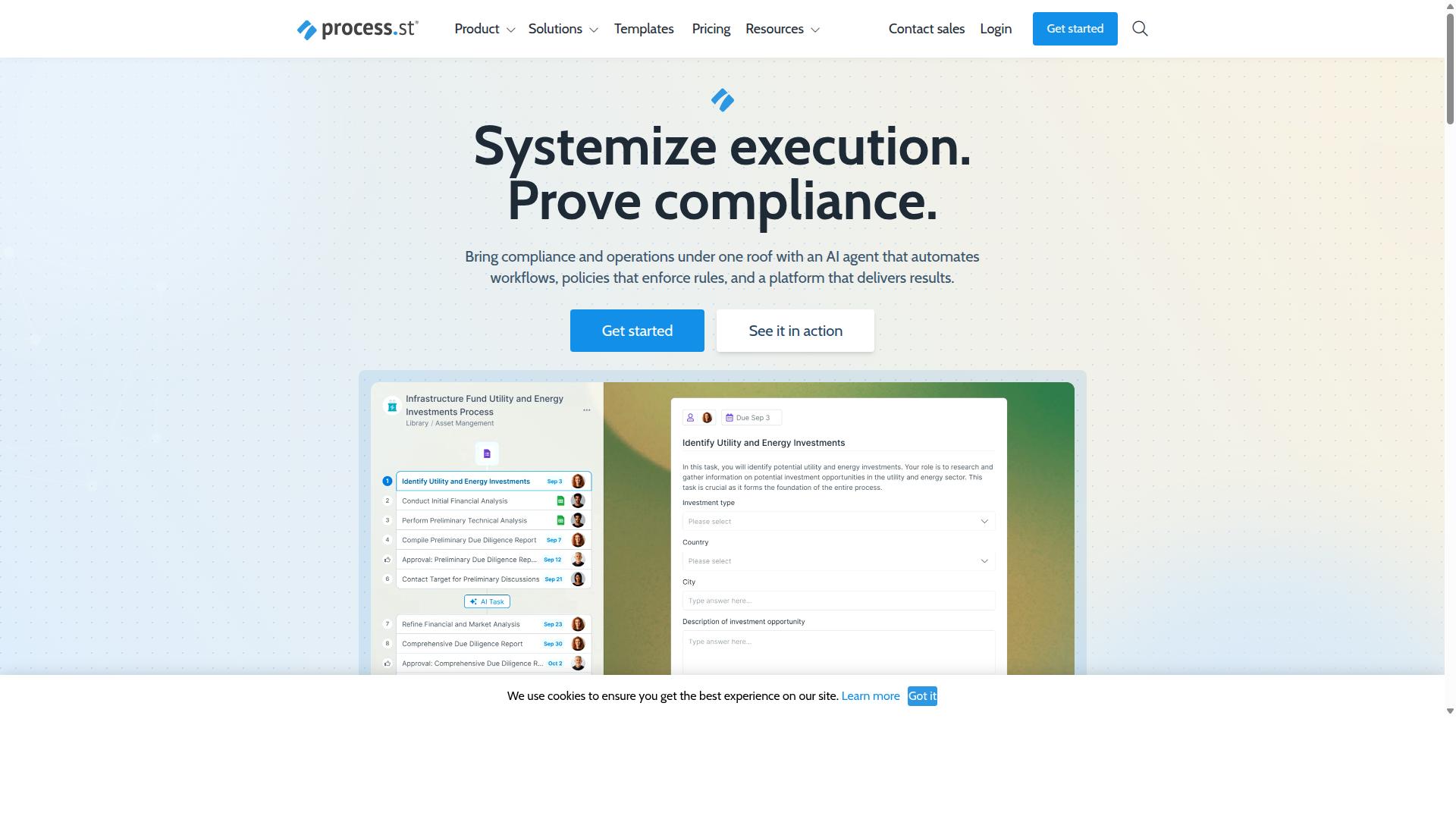
Process Street combines workflow automation with incident tracking to deliver a centralized system that produces audit-ready proof.
The platform offers three main products that work together: Docs for document management and policy control, Ops for workflow automation and process orchestration, and Cora as an AI compliance agent. This structure creates a complete system for handling incidents while maintaining compliance standards.
Organizations use these products to standardize processes and maintain operational consistency across multiple industries. The approach turns incident management into repeatable workflows that teams can track and improve over time.
Workflow Automation Features
Process Street turns policies into AI-powered workflows.
The AI workflow builder creates automation actions per month through Ops. This capability replaces manual configuration work with automated processes that teams can deploy quickly.
Webhook triggers enable real-time assignee assignment when incidents arrive in the system. Status update notifications connect to automation apps through integrations like Zapier and Microsoft Power Automate.
Research suggests these automation connections reduce the time teams spend on routine status updates across different tools.
Incident Tracking Capabilities
Process Street's Ops product orchestrates incident tracking through automated alert routing and escalation paths that reduce resolution time.
The system converts policies into workflows with escalation rules that direct incidents to the right team members. Alert routing logic ensures notifications reach appropriate personnel based on incident type and severity.
Resolution time tracking appears in MTTR metric dashboards that show incident lifecycle stages. IT teams can monitor each phase from initial alert through final resolution and follow-up actions.
This approach supports problem management by maintaining records of each incident stage and the actions taken at each step.
Compliance and Audit Support
Process Street delivers audit-ready proof for ISO 9001, SOC 2, SOX, and FDA frameworks through automated incident categorization and documentation.
Process logs attach automatically to each incident record. Policy version control maintains accurate incident categorization as procedures change over time.
Audit exports support SOC 2 Type II reviews through structured data collection. The platform holds SOC 2 and ISO 27001 certifications that align with ITIL framework requirements for service desk operations.
Integration with the knowledge base helps teams maintain consistent documentation standards during incident response activities.
2. LogicGate Risk Cloud
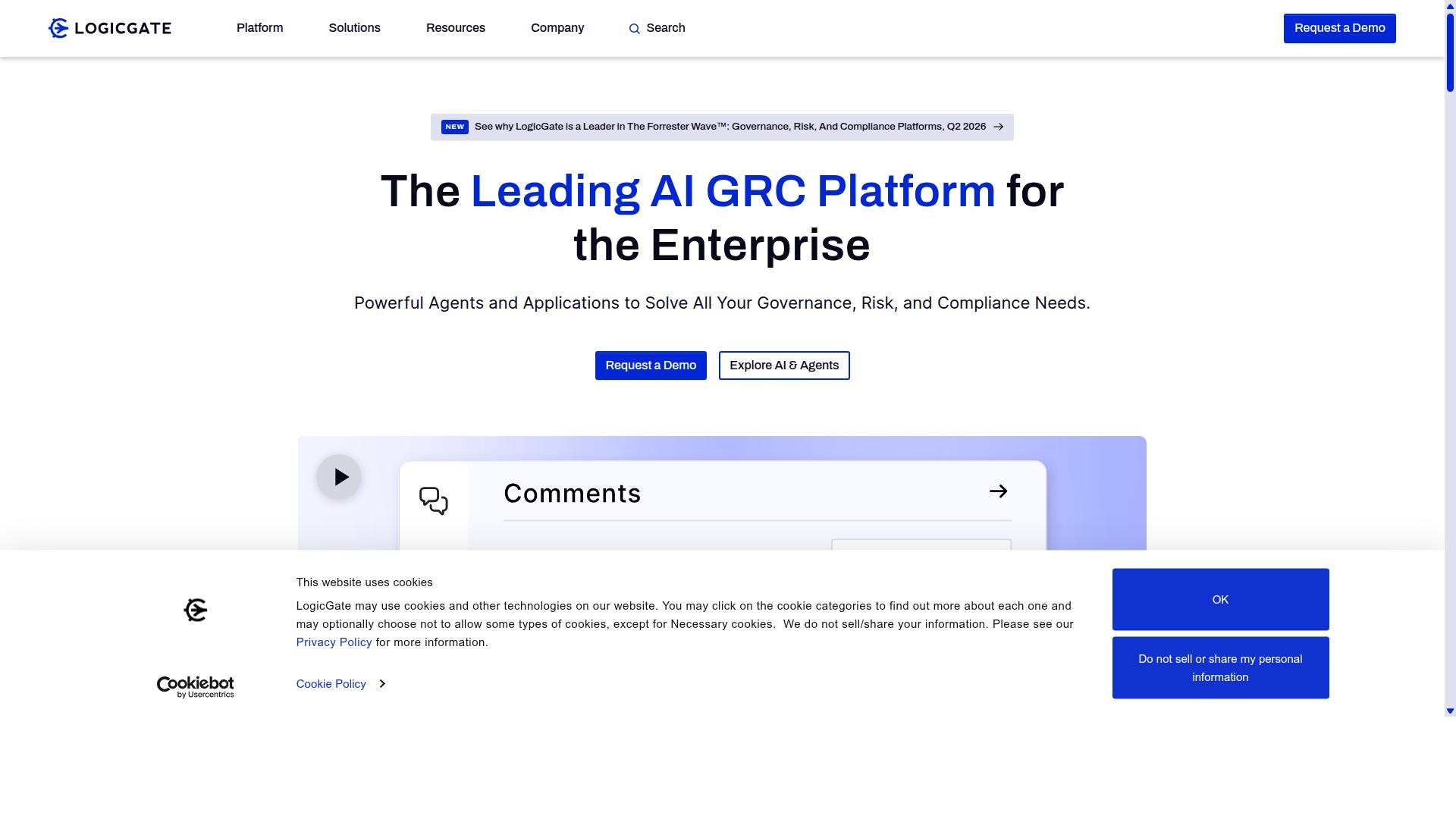
LogicGate Risk Cloud emphasizes risk quantification and regulatory reporting dashboards for incident tracking. The platform combines workflow automation with structured risk processes to support centralized incident tracking across departments. Organizations can build automated workflows that connect incident categorization to compliance requirements and audit trails.
Users configure drag-and-drop workflow design to create custom incident lifecycle processes. Real-time dashboards surface status updates while automated notifications keep stakeholders informed throughout each incident. The system maintains documented audit trails that support regulatory reporting needs.
API integrations allow connection with existing ticketing platforms and notification channels. Custom fields can capture incident details that feed into risk assessments. This approach helps teams maintain consistent processes while meeting documentation requirements for centralized incident tracking.
Risk Management Focus
LogicGate's risk management focus ties incident categorization to risk scores and priority matrix rankings. The platform supports customizable risk assessments that translate incident data into quantified risk values. These assessments help teams prioritize response efforts based on potential impact levels.
Risk heat maps visualize how individual incidents relate to broader organizational exposure levels. Likelihood-impact matrices provide structured frameworks for evaluating incident severity against compliance obligations. The resulting scores automatically populate compliance reporting dashboards.
Automated notifications alert relevant personnel when incidents exceed defined risk thresholds. This structure supports consistent incident categorization across teams while maintaining documentation for regulatory mapping. The approach connects daily incident tracking activities to enterprise-level risk management requirements.
3. Onspring
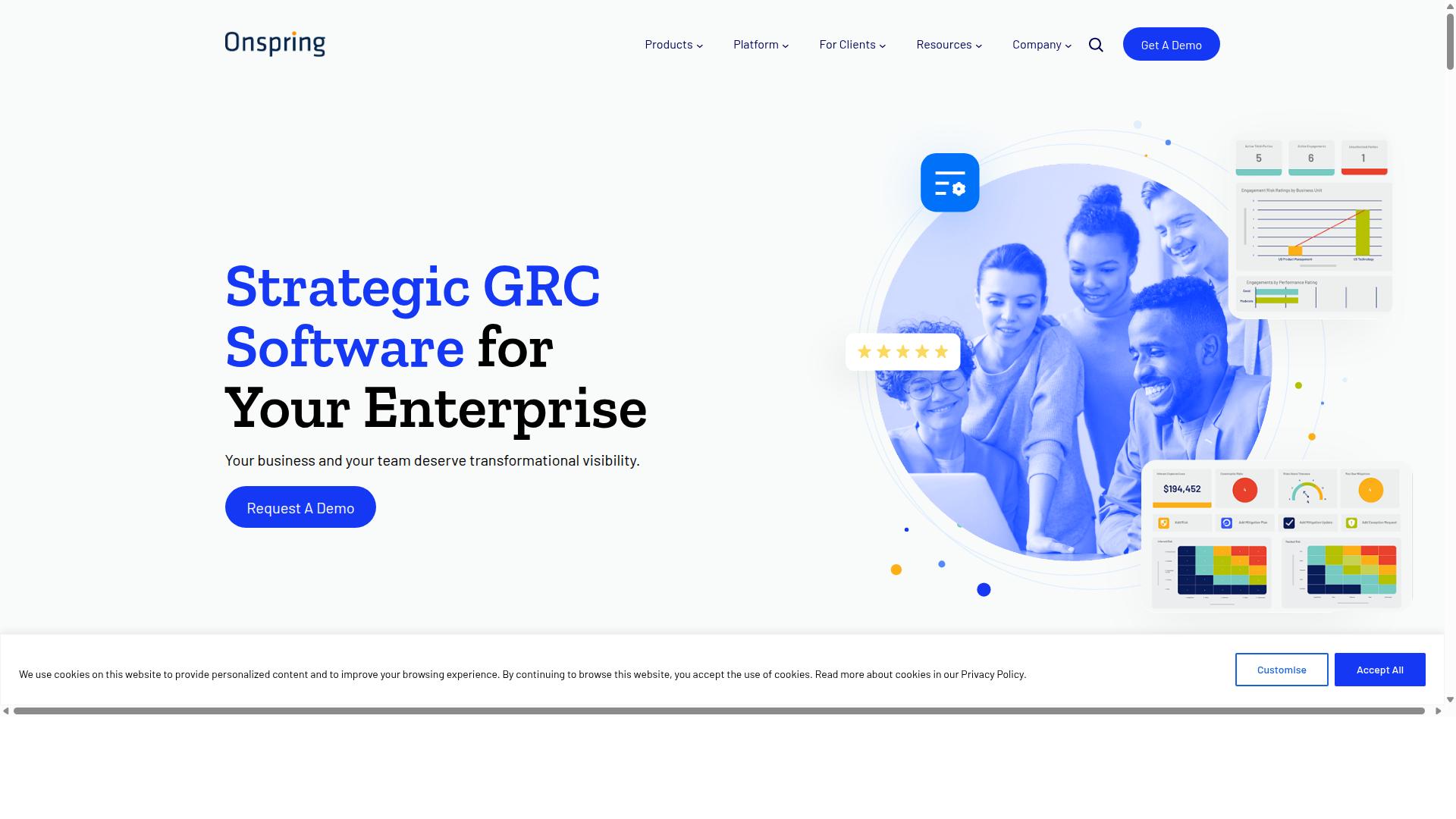
Onspring allows users to build highly tailored incident tracking forms and workflows through extensive customization. Teams can adapt the platform to match their specific incident response procedures rather than forcing processes to fit rigid templates. This flexibility makes it suitable for organizations that need incident tracking systems aligned with existing operational requirements.
Users benefit from the ability to modify how incidents move through their system without technical expertise. The platform supports various workflow patterns that reflect real business needs. Organizations can adjust their incident tracking approach as requirements change over time.
The customization extends beyond basic form changes to include how teams collaborate on incident resolution. Different departments can maintain their preferred ways of working while still contributing to a centralized tracking system. This balance between flexibility and structure helps maintain consistency across incident management processes.
Customization Options
Onspring's customization options include custom fields, Kanban boards, and automation rules that adapt to any incident tracking process. Teams can create fields specific to their metrics and reporting needs. These modifications support the unique data requirements that different organizations have for incident management.
Drag-and-drop form builders allow users to arrange information capture according to their incident response procedures. Conditional logic can route incidents to appropriate teams based on category, severity, or other criteria. This automation reduces manual assignment work while maintaining accuracy in routing decisions.
Exportable reporting dashboards provide visibility into incident trends and team performance. Kanban swim lanes can organize incidents by status, assignee, or priority level. Rule-based routing ensures incidents reach the right responders without delays caused by manual handoffs.
These customization features work together to create incident tracking systems that reflect actual workflows rather than generic templates. Organizations can adjust their setup as incident patterns change or team structures evolve. The result is a more responsive system that grows with operational needs.
4. ServiceNow
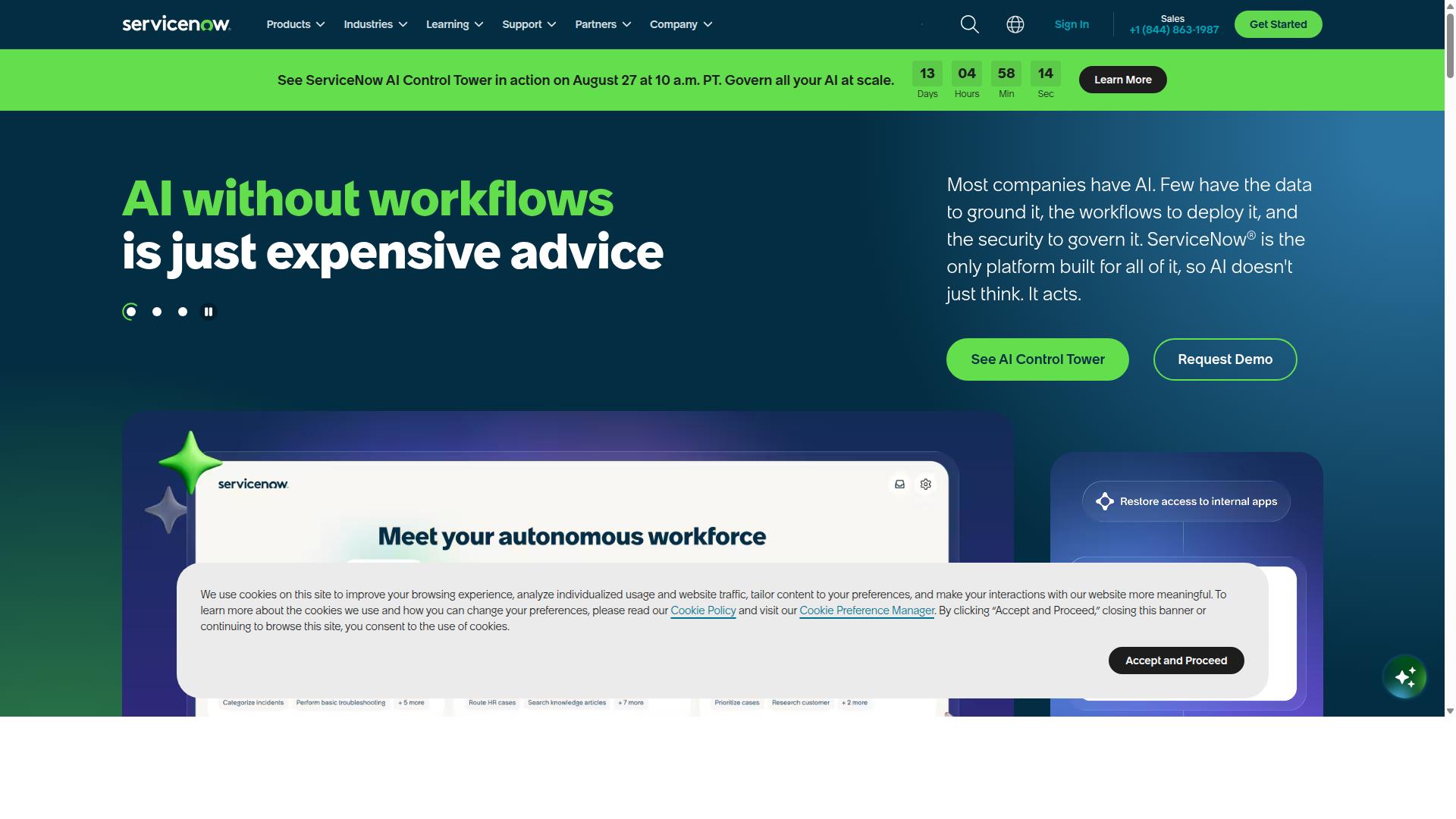
ServiceNow dominates enterprise environments with deep integration across change management and problem management modules. This platform aligns with ITIL framework standards while consolidating service desk operations into one centralized system. Organizations use it to manage incident tracking at scale through standardized processes that reduce duplication and improve accountability.
Enterprise teams benefit from ServiceNow's ability to handle complex incident lifecycles. The platform supports incident categorization through predefined workflows and connects directly to problem management for root cause analysis. This structure helps teams track resolution time while maintaining visibility across departments.
ServiceNow also addresses MTTR metrics through its priority matrix system. Each incident follows consistent escalation paths that alert the right stakeholders at each stage. The result is faster response times and clearer ownership across the entire incident lifecycle.
Enterprise Integration
ServiceNow's enterprise integration connects incident tracking to HR, finance, and security systems via APIs and SSO authentication. These connections allow organizations to pull data from multiple sources without switching between platforms. Teams gain a complete view of each incident from creation through resolution.
Enterprise-scale connectors enable mobile incident creation from any location. Field technicians can log issues directly through the mobile app while managers receive real-time status updates. This flexibility supports distributed teams that need immediate access to ticketing platforms.
Multi-channel notification routing ensures the right people see updates at the right time. ServiceNow routes alerts through email, SMS, and internal messaging based on preconfigured rules. Teams can customize these notification channels to match their existing communication patterns and escalation preferences.
How to Choose the Right Option
First sentence starts here: Match tool capabilities to your team's operational complexity, compliance mandates, and user volume. Different departments face distinct challenges when selecting a centralized system for incident tracking.
Operations teams typically manage high volumes of incidents across multiple sites and need automation rules that handle recurring patterns. Manufacturing and real estate environments often require immediate alert routing when equipment fails or maintenance issues arise.
Compliance teams work within strict regulatory frameworks that demand complete audit trails and documented escalation paths. Financial services and healthcare organizations must maintain records that satisfy ISO compliance requirements throughout the incident lifecycle.
HR and Finance teams handle incidents tied to employee access, policy violations, and financial discrepancies. These departments benefit from tools that connect with existing HR systems while maintaining secure access controls for sensitive information.
IT and security teams require robust ticketing platforms with strong API integrations and webhook triggers. Technology companies and capital markets organizations depend on systems that support complex incident categorization and priority matrix configurations.
The three checkpoints below help narrow your choices based on your specific environment.
Checkpoint one examines incident volume against the automation rules you will need. High-volume environments require tools that can handle thousands of incidents monthly with sophisticated rule sets for assignee assignment and status updates.
Checkpoint two focuses on regulatory frameworks requiring audit trails. Healthcare and financial services must select platforms that document every change management step and maintain records for external audits.
Checkpoint three evaluates user count and SSO requirements. Professional services firms and property management companies often need tools that scale from small teams to enterprise-wide deployments while maintaining single sign-on security standards.
Final Verdict
Process Street delivers the strongest balance of workflow automation, audit-ready compliance, and measurable MTTR improvements for mid-market and enterprise teams.
Three factors separate Process Street from other platforms. The system serves 3,000+ companies and 1m+ users. Teams at 49k+ employees rely on Process Street to standardize onboarding processes across departments.
Security certifications provide additional confidence for regulated environments. Process Street holds SOC 2 Type II certification. ISO 27001 certification confirms ongoing commitment to information security management.
These credentials enable organizations to maintain compliance while automating incident tracking workflows. The combination of scale, standardization capabilities, and security makes Process Street suitable for teams managing complex incident lifecycles.
Explore the platform to see how these differentiators apply to your specific incident tracking requirements.