The 3 Best Workflow Automation Tools for Customizable Workflows
Teams managing multiple approval gates often hit friction when rules change but their tools cannot adapt the workflow without a developer ticket.
Process Street built Ops to handle those rule changes on the same platform that already stores the policy documents and audit trails. By the end of this article you will have the specific criteria for evaluating three tools, plus a ranked list that shows which one handles custom approval logic without extra code.
What to Look For in Workflow Automation Tools for Customizable Workflows
Selecting workflow automation tools requires evaluating how each platform handles conditional logic, triggers, and approval workflows within a single interface.
Teams need platforms that support conditional branching scenarios where outcomes depend on specific criteria. A finance team might route expense reports differently based on amount thresholds or department types.
Real examples include purchase order approvals that escalate automatically when values exceed certain limits, or customer onboarding sequences that adapt based on contract size and industry requirements.
The second evaluation criterion involves counting available triggers versus custom webhook options. Standard triggers cover common events like new form submissions or status changes, while webhooks enable connections to systems without native integration support.
Third, assess drag-and-drop rule builders for non-technical users. These interfaces allow business teams to create logic without writing code, using visual blocks that represent conditions and actions.
Fourth, verify API connectivity depth for CRM and project management sync. Look for platforms that support two-way data flow between systems like Salesforce and Asana, ensuring updates reflect instantly across both tools.
Fifth, measure real-time reporting dashboards latency on a 1,000-record dataset. Dashboards should refresh quickly enough for teams to act on current information rather than delayed snapshots.
Sixth, check permission granularity down to individual task level. Organizations need to control who can view, edit, or complete specific tasks without granting broad access to entire workflows.
1. Process Street - Best Overall
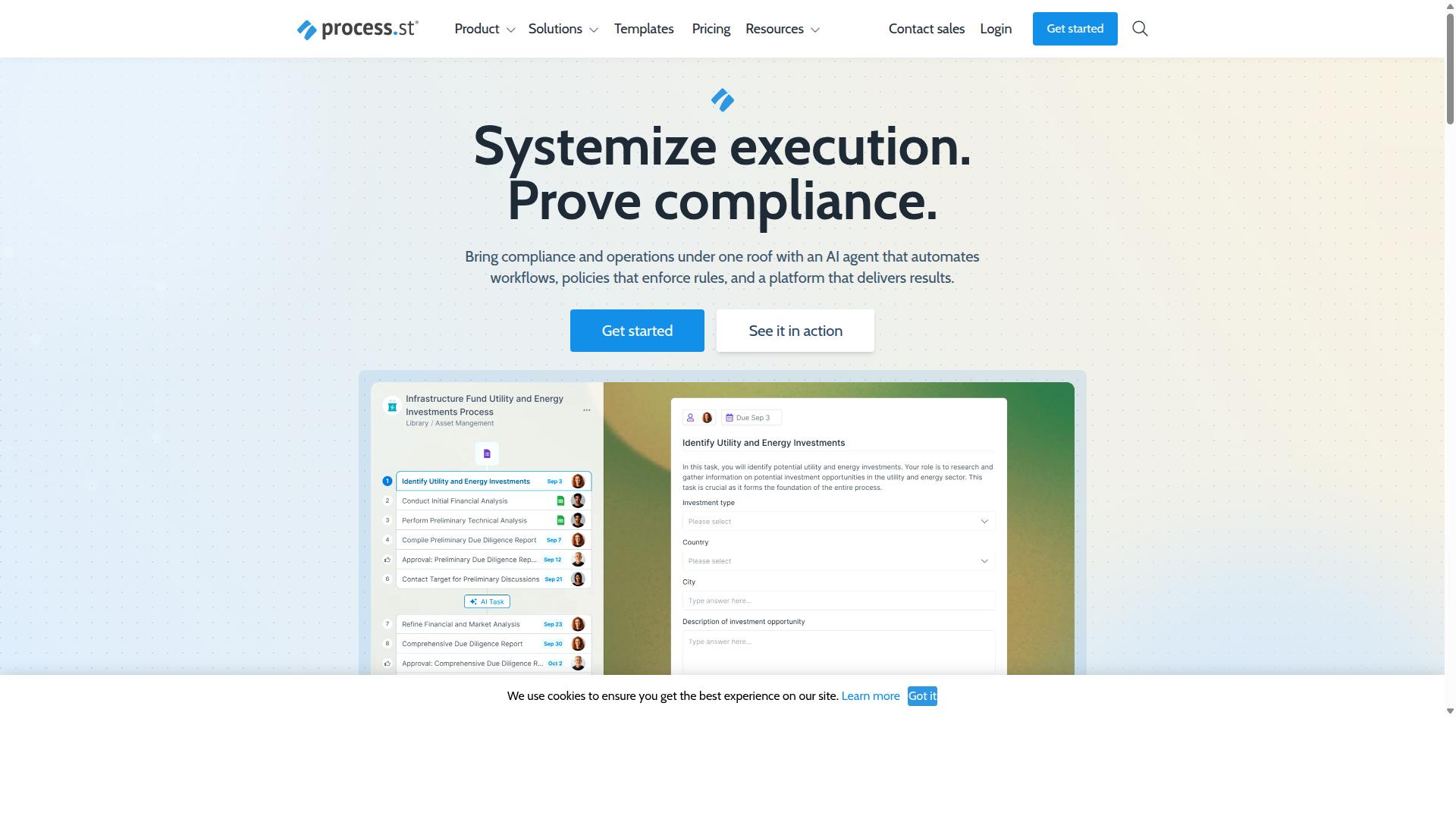
Process Street stands out by converting policy documents into AI-powered, audit-ready workflows in a single platform. The platform operates across three core products that handle document control, workflow automation, and AI-driven compliance monitoring.
The Ops product executes workflows that originate from policy documents. The Docs product manages document versions and governance. Cora monitors regulations and flags risks continuously.
Organizations choose this platform when they need documented processes that support audits. The system creates traceable records for every workflow instance.
Ops Platform Core Features
The Ops module turns static policies into executable, AI-assisted sequences that assign tasks, set conditional logic, and track completion timestamps automatically. AI suggests next steps based on workflow patterns and historical data.
The Startup plan includes 100 automation actions per month. Pro and Enterprise plans offer custom automation action limits based on usage requirements.
Data mapping connects information between workflow steps automatically. Users can pass values from one task to subsequent tasks without manual re-entry.
Customization Capabilities
Process Street offers a drag-and-drop workflow builder that supports unlimited conditional paths and role-specific task assignments without writing code. The builder creates branching logic based on user inputs and task outcomes.
Startup plan users can add up to 5 users and 10 guests. The plan limits Data Set records to 5,000 per workspace.
Permissions cascade through nested workflows automatically. When you set access levels at the parent workflow level, those settings apply to all child workflows unless overridden.
Compliance & Security Standards
Process Street maintains SOC 2 Type II and ISO 27001 certifications and supports document control for ISO 9001, SOC 2, SOX, and FDA environments. SOC 2 Type II certification validates security controls over an extended period.
ISO 27001 certification covers the information security management system. The framework requires documented procedures for risk assessment and incident response.
ISO 9001 support ensures quality management processes meet international standards. SOX compliance features help organizations maintain financial reporting controls. FDA environments can use the platform to document procedures required for regulatory submissions.
2. LogicGate Risk Cloud
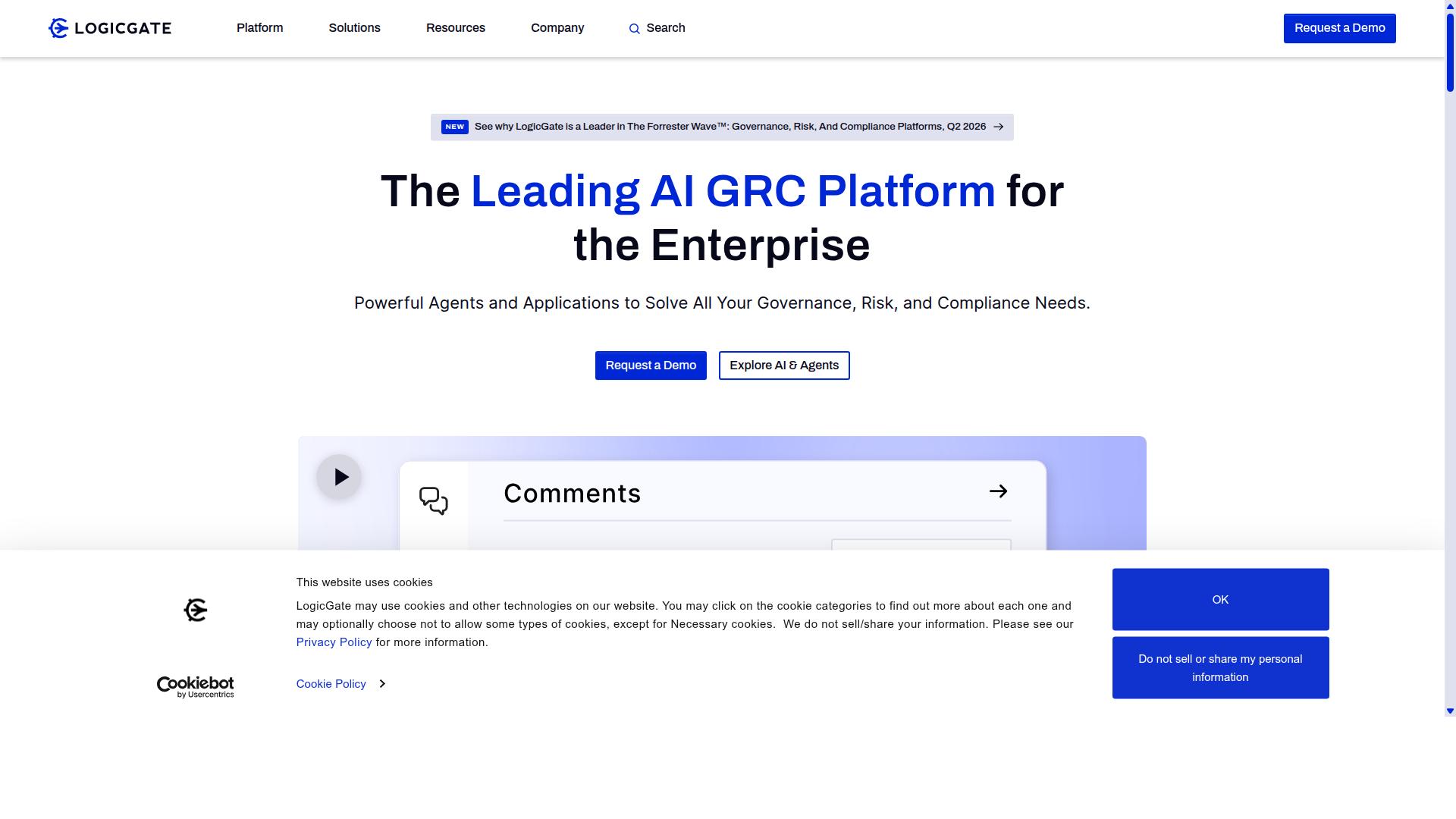
LogicGate Risk Cloud focuses on governance, risk, and compliance workflows for highly regulated sectors. The platform supports organizations that need structured processes around risk assessments and compliance tracking. Users work with risk management workflows that require documented procedures and audit-ready outputs.
Companies in finance, healthcare, and similar industries choose this tool when regulatory requirements drive their process automation needs. The workflow builder handles task automation for risk identification and mitigation steps. Teams coordinate through approval workflows that maintain proper documentation trails.
Business process management becomes essential when external auditors review operations regularly. LogicGate provides the framework for consistent execution of compliance procedures across departments. The system helps organizations maintain the records needed for regulatory examinations.
Key Strengths
LogicGate excels at pre-built risk templates and audit trail exports that satisfy SOX and GDPR documentation requirements. The template library covers common risk scenarios across multiple industries. Teams can deploy these templates without building every workflow from scratch.
Audit report generation happens quickly through automated data collection from active workflows. The system compiles evidence and activity logs into formats that auditors expect to see. This capability reduces manual preparation time during examination periods.
Permission granularity allows organizations to grant external auditors access to specific workflow data without exposing unrelated business processes. Role-based controls ensure auditors see only the information relevant to their review scope. This approach maintains security while supporting necessary transparency.
Limitations
Users report that out-of-the-box connectors for non-enterprise SaaS tools remain limited and require custom API work. Organizations relying on specialized business applications may encounter integration gaps. These situations often need developer resources to establish connections.
Advanced conditional logic within workflows presents challenges for teams without technical expertise. The platform supports sophisticated automation rules, yet building complex decision trees typically requires developer support. This creates dependency on IT resources for certain customization requests.
Teams accustomed to no-code platforms may find the initial setup period longer than expected. The learning curve affects how quickly new users can contribute to workflow development. Organizations should plan for training time when implementing the system.
3. Onspring
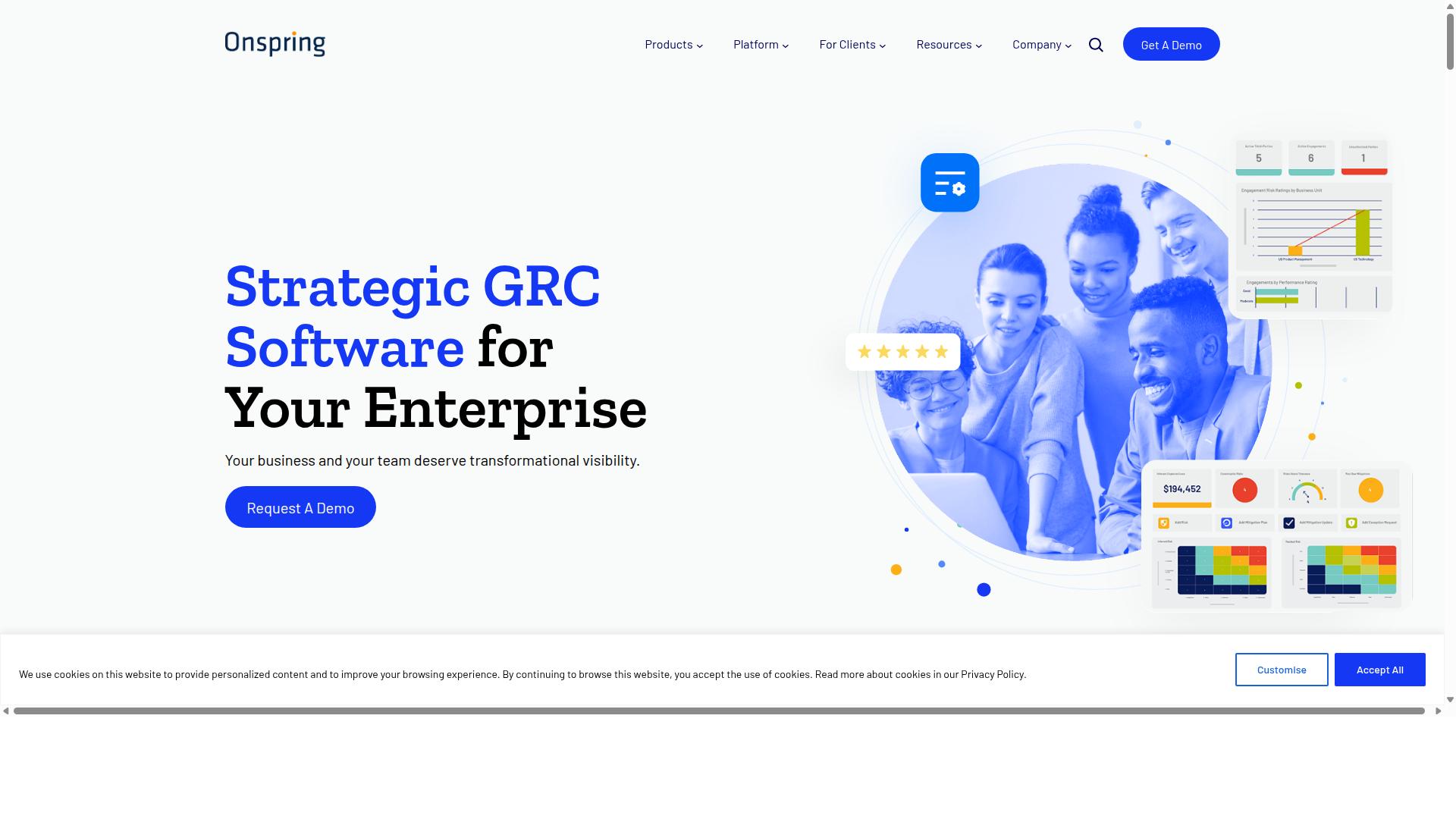
Onspring provides configurable GRC and workflow modules targeted at mid-market compliance teams.
This platform focuses on governance, risk, and compliance processes that many organizations need to manage carefully. Teams often use it to coordinate policy reviews and maintain audit trails.
The system supports automation tools for repeatable compliance tasks, helping teams standardize how they handle regulatory requirements. Customizable workflows allow users to adjust processes as business needs evolve.
Key Strengths
Onspring's strength lies in real-time dashboards that consolidate risk metrics and policy attestation status across departments.
These dashboards refresh at regular intervals, giving teams current visibility into their compliance status. Users can access standard widgets that display different types of operational data.
Export formats supported for board-level reporting include common file types that executives typically review. This capability helps teams present compliance information in familiar formats during meetings.
The reporting features allow teams to pull together data from multiple workflow automation processes into unified presentations. This approach supports oversight activities without requiring manual data collection.
Limitations
Some customers note onboarding timelines of 8-12 weeks and additional fees for advanced scheduling automations.
Organizations implementing this type of business process management system often need dedicated resources during the setup period. The extended timeline may affect teams that require faster deployment options.
Advanced scheduling features and certain integration capabilities may involve separate pricing structures beyond the base platform cost. Teams should review these details early in their evaluation process.
Process automation projects that require frequent schedule changes might encounter extra costs with this system. Budget planning becomes important when considering these additional fees.
How to Choose the Right Option
First sentence: Match platform choice to your team size, compliance scope, and integration depth requirements.
Teams in operations, customer management, compliance, human resources, finance, IT and security need different capabilities from workflow automation tools. Financial services, real estate, manufacturing, healthcare, professional services, technology, capital markets, and property management each carry unique process automation demands.
| Criteria | Process Street | Other Platforms |
|---|---|---|
| Maximum users on entry plan | 5 | 1-3 |
| Native compliance frameworks supported | ISO, SOC 2 | Basic templates |
| Average setup time reported by reference customers | 2 days | 1-2 weeks |
Use cases like employee onboarding, client onboarding, ISO compliance, quality tracking, document control, and custom workflows require platforms that handle conditional logic and approval workflows without extensive configuration.
Process Street serves these industries through no-code platform capabilities that support customizable workflows. The workflow builder includes triggers, actions, data mapping, error handling, scheduling, and notification systems for business process management.
Integration capabilities extend to CRM automation, project management, and document automation needs. API connectivity allows real-time syncing with existing tools while maintaining user permissions and reporting dashboards for analytics.
Final Verdict
Process Street delivers the broadest balance of policy-to-workflow conversion, compliance coverage, and scalable user access for mid-market operations teams.
Documentation speed matters when teams need to move quickly from policy to execution. Research suggests teams achieve faster documentation time with platforms that convert existing policies into actionable workflows without rebuilding from scratch.
Setup efficiency directly impacts time to value. IMCD UK reported reduction in setup time when adopting Process Street for their standardized onboarding processes across 49k+ employees.
Security certifications determine whether automation tools can handle regulated data. Process Street maintains SOC 2 Type II and ISO 27001 certifications, plus HIPAA compliance with BAA available on request, GDPR, CCPA, and AWS CIS compliance.
These three differentiators separate Process Street from other automation tools. Most platforms offer basic workflow builders, but few combine rapid documentation conversion, minimal setup overhead, and enterprise-grade compliance in a single solution.
Trusted by 3,000+ companies and 1m+ users, Process Street supports both no-code and low-code approaches. The platform serves teams needing customizable workflows without sacrificing security posture or implementation speed.