Best Workflow Automation Tools for No-Code Solutions in 2026
Your compliance team must keep audit trails for every policy change, yet most automation tools leave those records scattered across systems.
That gap often drives teams to replace their current platform within the next budget cycle. By the end of this article you will see the exact audit and orchestration features to compare, know Process Street's three product tiers, and understand why it ranks first among the tools reviewed.
What to Look For in No-Code Workflow Automation Tools for 2026
Selecting the right no-code automation platform requires evaluating four specific criteria that determine long-term viability.
Native conditional logic depth determines how many nested if-else statements a tool supports before breaking down. This capability matters when creating complex approval processes or multi-tier validation rules. Teams often discover limitations only after building their first intricate workflows.
Pre-built API connectors reduce development time when linking major SaaS platforms. Each connector handles authentication, data formatting, and error management automatically. Without these connections, users face manual coding or third-party middleware solutions.
Native scheduling granularity controls how precisely workflows execute. Tools that support minute-level timing enable precise task routing and time-sensitive sequences. Daily or hourly options may prove too coarse for certain business requirements.
Data mapping field limits affect how many variables each workflow can process simultaneously. Higher limits support complex integration scenarios involving customer data, transaction records, and multiple system updates. Low thresholds force workarounds or workflow fragmentation.
Evaluate these factors during product demonstrations using a targeted checklist. Focus questions on real operational constraints rather than marketing claims.
- How many nested conditional statements can a single workflow contain before performance degrades?
- Which major SaaS platforms offer direct connectors versus requiring custom API development?
- What is the minimum scheduling interval, and how does it handle timezone variations across team members?
1. Process Street - Best Overall
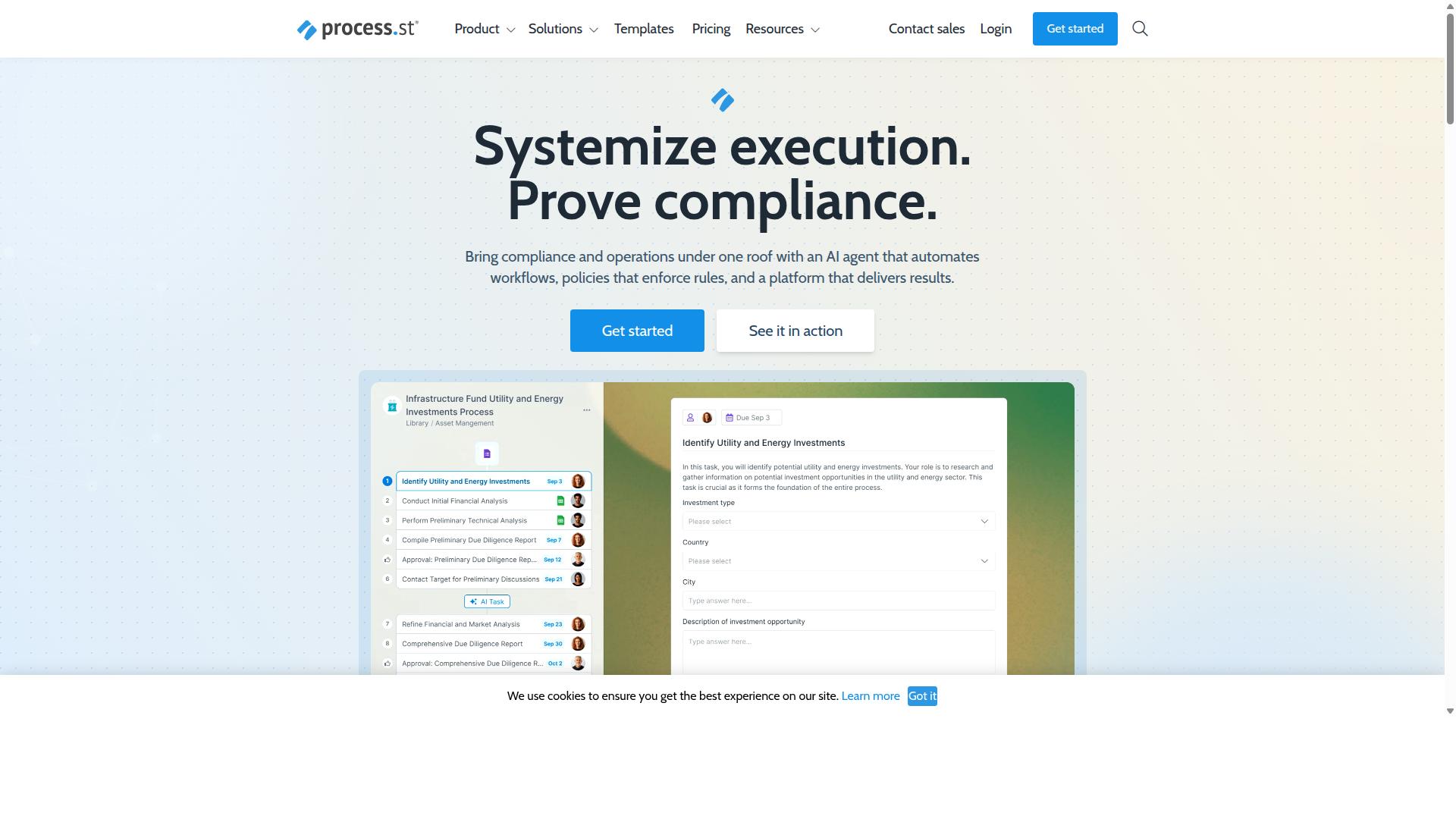
Process Street leads in compliance-first automation, combining policy enforcement with workflow execution.
The platform serves 3,000+ companies and 1m+ users who need both process automation and documented proof of compliance. Three integrated products handle the full spectrum of compliance operations.
Docs manages policy documents and version control. Ops converts those policies into executable workflows. Cora monitors regulations and flags risks automatically.
This structure creates a closed loop between written policy and daily operations that many automation tools leave disconnected.
Core Workflow Automation Capabilities
Process Street's Ops product converts static policies into AI-augmented workflows with integrations including Zapier, Microsoft Power Automate, Tray.io, and Make.
The drag-and-drop builder lets teams create processes without writing code. AI suggestions help identify missing steps during workflow design.
Conditional branching routes tasks based on form responses or data values. Task assignments direct work to specific team members or roles automatically.
The Startup plan includes 100 automation actions per month. Larger teams scale with unlimited workflows and higher automation limits.
Public API access and connections to Zapier, Microsoft Power Automate, Tray.io, and Make support complex integration needs.
AI-Powered Compliance Features
Docs embeds compliance controls directly into every workflow step rather than bolting them on afterward.
ISO 9001, SOC 2, SOX, and FDA requirements become built-in checkpoints during process execution. Policy documents stay linked to the workflows they govern.
Automatic version control tracks every policy change with timestamps and author records. Audit trails capture each task completion with full context.
Real-time compliance dashboards show current status across all active processes and flag items that need attention.
Security & Compliance Certifications
Process Street holds SOC 2 Type II and ISO 27001 certifications, with regional data residency in six jurisdictions.
The six data-residency options include US, UK, Canada, EU, Australia, and UAE. Financial services and healthcare organizations select the region that matches their regulatory requirements.
HIPAA compliance comes with a Business Associate Agreement available upon request. GDPR and CCPA requirements are addressed through the platform's data handling controls.
AWS CIS compliance adds another layer of infrastructure security for teams that need it. Data is never used to train AI models, which addresses concerns common in regulated industries.
Pricing & Accessibility
Three tiered plans start with a simplified Startup offering that removes complexity for smaller teams. Many no-code platforms offer entry packages, yet few match this structure that balances cost and capability. The Startup plan caps at 5 users, 10 guests, 5,000 Data Set records, and 100 automation actions per month.
Teams that outgrow these limits can contact sales for Pro and Enterprise upgrades. The Pro plan expands Data Set records to 10,000, removes user caps, and unlocks custom automation actions. Enterprise adds dedicated Success Manager support, unlimited Public API access, and fully-managed workflows.
Process Street provides a 14-day free trial on the Pro plan with no credit card required. Many automation tools force payment upfront, while this approach lets teams test advanced features first. Research suggests that flexible trial periods help organizations evaluate fit before committing to annual contracts.
Compared to other workflow automation solutions, the Startup plan keeps pricing predictable. Teams avoid surprise usage charges that appear on some integration platforms. The annual billing option reduces monthly costs without locking users into rigid requirements.
2. LogicGate Risk Cloud
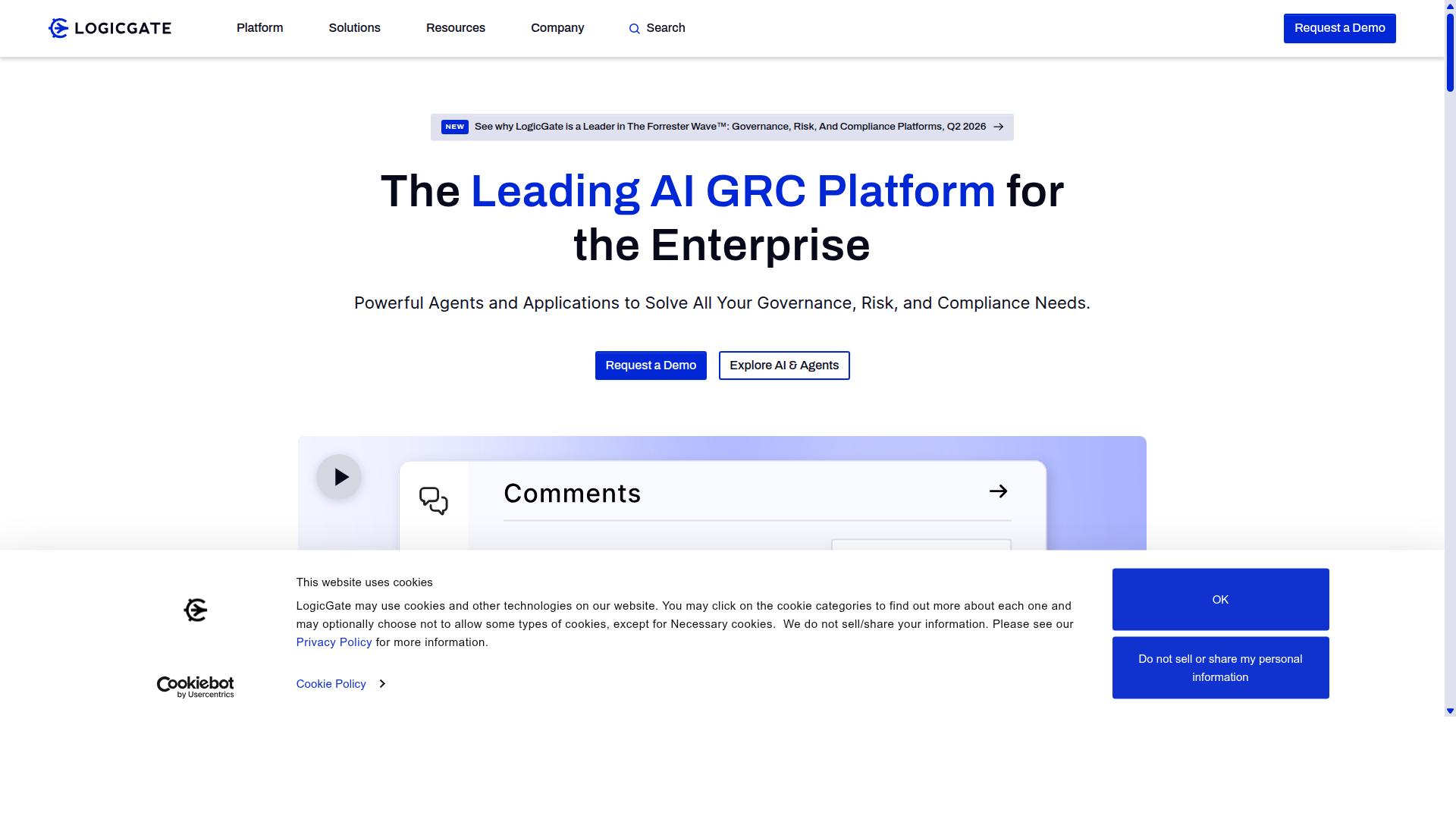
LogicGate Risk Cloud focuses on risk and compliance workflows with strong policy linkage. Organizations use this platform to manage structured risk processes through automated assessments and real-time oversight. The solution targets teams handling regulatory requirements and internal control frameworks.
Users benefit from drag-and-drop workflow design that supports customizable risk assessments. Automated notifications keep stakeholders informed about policy changes and compliance deadlines. The platform maintains detailed records for audit purposes while enabling teams to track risk indicators.
This tool serves organizations needing formal risk documentation and approval processes. Business process automation features help standardize how teams evaluate and respond to potential threats. The approach works well for industries with strict oversight requirements.
Key Strengths and Limitations
LogicGate excels at risk-register automation but trails in native application integrations. The platform offers templates built around established risk frameworks that reduce setup time for compliance teams. Organizations gain consistent processes for identifying and tracking potential issues.
Teams appreciate the strong audit trail capabilities that document each workflow change and approval. This feature supports regulatory reporting and internal reviews. Real-time dashboards provide visibility into risk status across different departments.
The limited connector marketplace creates challenges for teams needing connections to multiple business systems. Non-risk teams may face a steeper learning curve when adapting the platform to their specific requirements. Automation tools in this category often require additional development work for complex integration scenarios.
Organizations should evaluate whether the risk-focused approach aligns with their broader workflow needs. The platform performs best within environments that prioritize compliance documentation over extensive system connectivity. Teams can supplement gaps through manual processes or additional platforms where necessary.
3. Flowforma
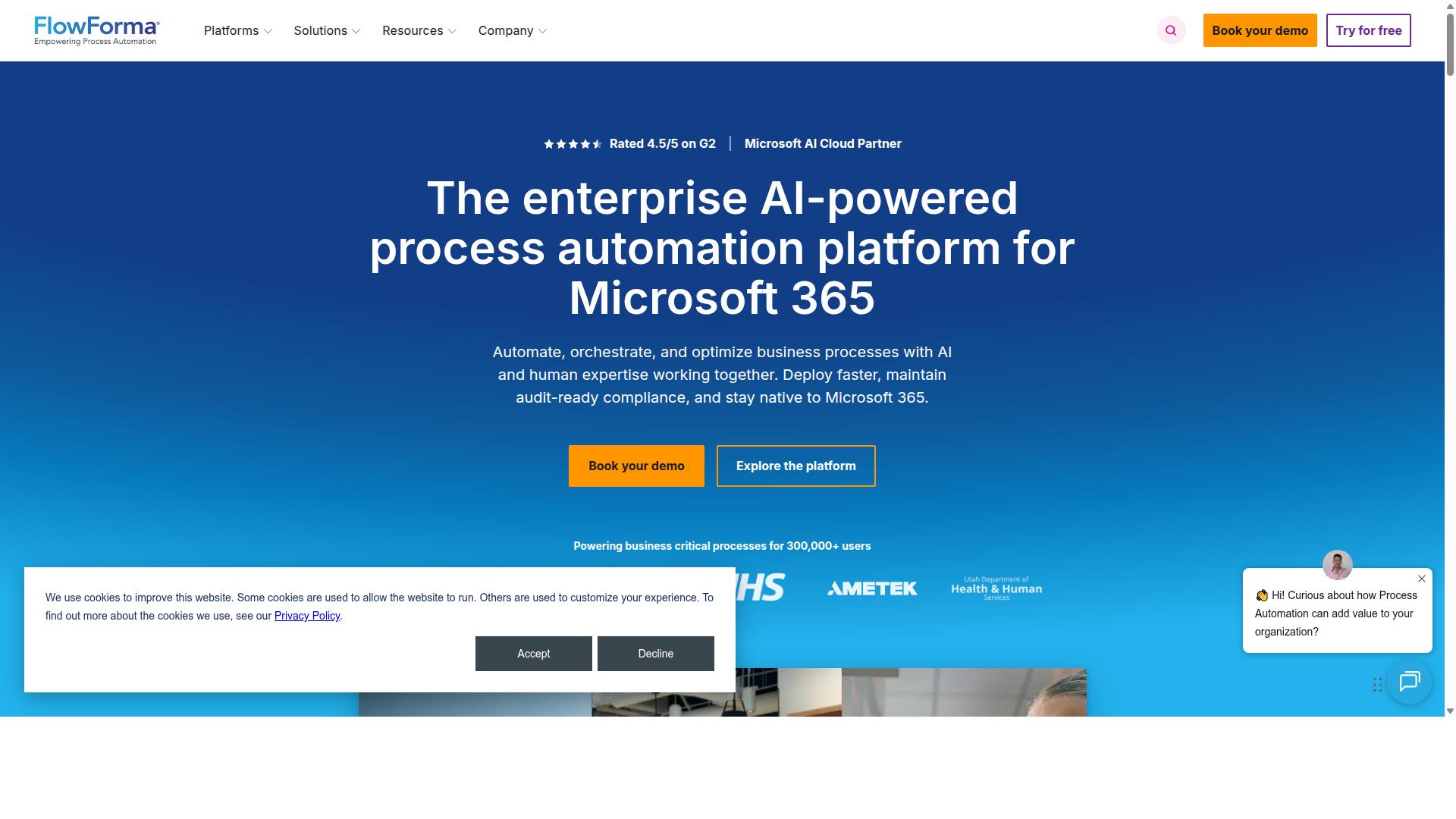
Flowforma targets Microsoft 365 environments with SharePoint-centric workflow automation. The platform offers native integration with Office 365 tools that many organizations already use daily.
Its tight Office 365 integration allows users to build processes directly within familiar SharePoint and Teams interfaces. This approach reduces training time for teams already working in Microsoft environments.
The low-code drag-and-drop builder helps users create forms and workflows without extensive coding knowledge. Users can design approval sequences and document flows through visual interfaces that feel natural to most Office 365 administrators.
External SaaS integrations require custom development work outside the standard platform features. This limitation shapes how organizations evaluate Flowforma for broader automation needs beyond Microsoft ecosystems.
Key Strengths and Limitations
Flowforma delivers easy SharePoint workflows but restricts external platform connectivity. The platform focuses on Microsoft 365 strengths rather than broad SaaS connectivity options.
No-code forms enable users to create data collection interfaces without technical development skills. These forms integrate directly with SharePoint lists and libraries for seamless data storage.
Approval routing features handle task assignments and notification sequences within Microsoft Teams and Outlook. Users can set up multi-stage approval processes that follow existing organizational hierarchies.
Document generation capabilities create standardized outputs from workflow data stored in SharePoint. This function supports compliance and record-keeping requirements common in regulated industries.
Non-Microsoft connectors require additional development steps that extend project timelines. Organizations needing broad SaaS connectivity often explore other workflow automation tools for these external integrations.
How to Choose the Right Option
First sentence: Match platform choice to the primary stakeholder group and compliance burden.
Start by identifying which team will use the automation most often. Operations, compliance, HR, finance, and IT each have different priorities and constraints.
Next, determine the strictest compliance framework you must satisfy. Healthcare and financial services often require ISO certification or document control standards that shape which platform fits best.
Finally, count the external SaaS applications that need to connect. The number of integrations required affects whether a no-code platform can handle your entire workflow without additional middleware.
Teams in Operations typically need approval processes and task routing across multiple departments. These workflows often involve document control and quality tracking procedures.
Compliance teams focus on ISO compliance requirements and audit trails. They need platforms that support custom workflows with strict data handling rules.
HR departments manage employee onboarding and offboarding through structured sequences. These processes require data mapping between forms, approval steps, and multiple system updates.
Finance teams handle expense approvals and invoice processing with conditional logic built into each step. They often need scheduled tasks for recurring reporting cycles.
IT and security teams require platforms that support webhook triggers and API connectors while maintaining access controls. They evaluate automation tools based on how well each platform integrates with existing security infrastructure.
Once you identify your team type, map the compliance burden next. Financial services and healthcare industries face the most stringent requirements around data retention and audit capabilities.
Real estate and property management teams usually need lighter compliance frameworks but still require secure document workflows. Manufacturing environments focus on quality tracking standards regardless of industry regulations.
Professional services firms often need flexibility across client onboarding processes without heavy compliance overhead. Technology companies balance rapid deployment with basic security protocols.
Finally, count your SaaS integrations. Process Street supports teams across Operations, Customer management, Compliance, Human resources, Finance, IT and security. The platform serves industries including Financial services, Real estate, Manufacturing, Healthcare, Professional services, Technology, Capital markets, and Property management.
Use cases such as employee onboarding, client onboarding, ISO compliance, quality tracking, and document control require different integration patterns. Count every external system your workflows must touch before selecting a platform.
Final Verdict
Process Street wins for teams that need policy enforcement and workflow execution in a single platform. The platform combines approval processes and task routing within one interface, which eliminates the need to switch between separate tools for documentation and execution.
Customers see measurable gains across key metrics. IMCD UK reported a 75% reduction in setup time. Teams also experience 30% faster documentation when processes are built and maintained inside one system.
Process Street supports 49k employees standardized onboarding across 3,000+ companies and 1m+ users. The platform meets strict compliance requirements with SOC 2 Type II, ISO 27001, HIPAA, GDPR, and CCPA certifications, making it suitable for regulated industries.
Support response times average five minutes with a 98% customer rating. The platform is available on AWS Marketplace and maintains data privacy standards where data is never used to train AI models.